Everyday paperwork
01One-Time Code
Offer Letter · Rohan Iyer
A code sent by email, SMS or WhatsApp. It shows the signer controls that inbox or that number.
On the certificate
Authentication: EMAIL OTP + SMS OTP
A one-time code is enough for an offer letter. A lease or a loan agreement can need more. FlowVerify lets you require a PAN check, DigiLocker or a selfie matched to a photo ID, and keeps the signature step locked until the check passes.
Lease Deed — Indiranagar (2027 renewal)
Document FV-2611-130 · from Kiran Exports Private Limited
Verify your identity
The sender asks for a PAN check before you sign.
One-time code confirmed
Sent to s•••@prestigeleasing.in
PAN checked
••••••234F · Income Tax Department register
Name matches the record
Compared with the name the sender gave
Identity verified
Verified as Su•••• Ve••••••
 Identity check
Suresh Venkatesh
Signer · Prestige Leasing LLP
Risk score
–10/ 100Low
Device changed during signing
Shown to the sender. The signer is not shown the score while signing.
01Verification levels
Not every document needs the same proof. Pick the level for one envelope, or build it into a template, and each signer is asked for exactly that.
Everyday paperwork
01Offer Letter · Rohan Iyer
A code sent by email, SMS or WhatsApp. It shows the signer controls that inbox or that number.
On the certificate
Authentication: EMAIL OTP + SMS OTP
Higher stakes
02Lease Deed — Indiranagar
An OTP on the mobile linked to the signer’s Aadhaar. The signature is issued through a licensed Certifying Authority.
On the certificate
Aadhaar eSign transaction ID and reference
When a regulator asks
03Compliance Declaration · Kiran Exports
Signing with your organisation’s digital signature certificate, for filings and counterparties that require one.
On the certificate
The signing certificate, inside the PDF
02Identity checks
A one-time code shows that someone controls an inbox or a phone number. An identity check goes further: it compares the signer with a government record, or with their own photo ID.
The policy
Choose the check, the risk level at which signing stops, and how many attempts a signer gets. A template passes its policy to every envelope made from it.
Identity policy
Template · Lease deedRequired check
Who is asked
Approvers and people who only receive a copy are never asked. The policy can be changed while the envelope is a draft, and is fixed once it is sent.
The signer types their PAN and name and agrees to the check. FlowVerify looks the PAN up in the Income Tax Department’s register and compares the name on record with the name you gave for the signer.
PAN
ABCDE1234F
Name as on PAN
Suresh Venkatesh
I agree to this check
Found in the register · name matches (96%)
The signer signs in to DigiLocker and shares their Aadhaar record. FlowVerify checks UIDAI’s signature on that record before it accepts the name.
Aadhaar XXXX XXXX 4821
The signer takes a selfie and a photo of their ID. The two faces are compared, and a camera capture is checked for liveness.
Where the check sits
After the one-time code and before the signature. Each step is one more gate, and none of them replaces another.
Risk score
Each attempt is scored from 0 to 100. The score combines the result of the check with what was seen during signing: whether the name matches, whether the same ID was used by another signer in your workspace, wrong one-time codes, and network and device signals.
You see the score and the reasons on the envelope page, and the certificate prints them. The signer is not shown the score while signing.
The score informs the sender. It does not replace the signature, the one-time code or the audit trail.
Identity · risk scoreSuresh Venkatesh
Prestige Leasing LLP · PAN
Risk score
10/ 100
The signer can now sign
The check passed and nothing unusual was seen. The result goes on the certificate.
04The signer’s side
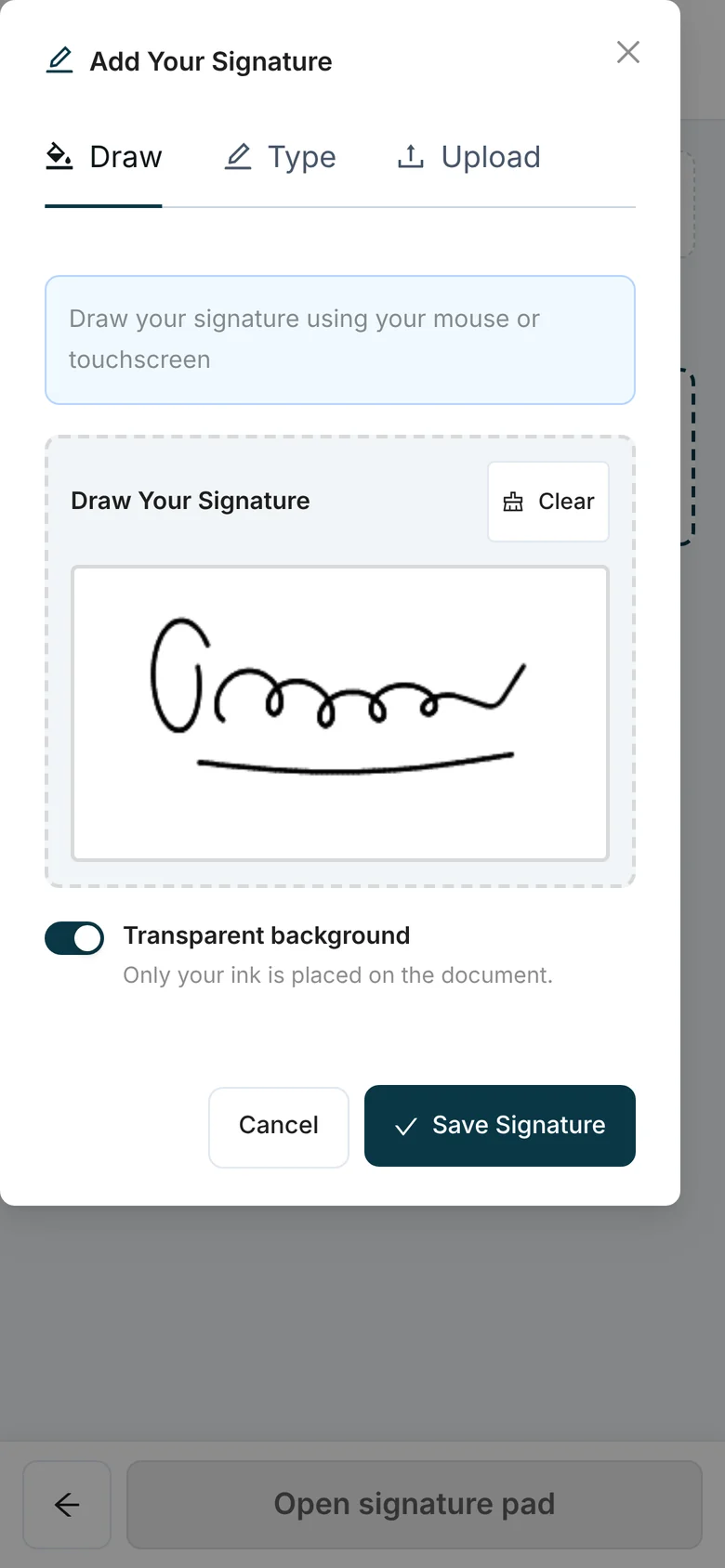
No account and no app. Your signer opens a link on any phone and is taken through the steps you asked for, in order.
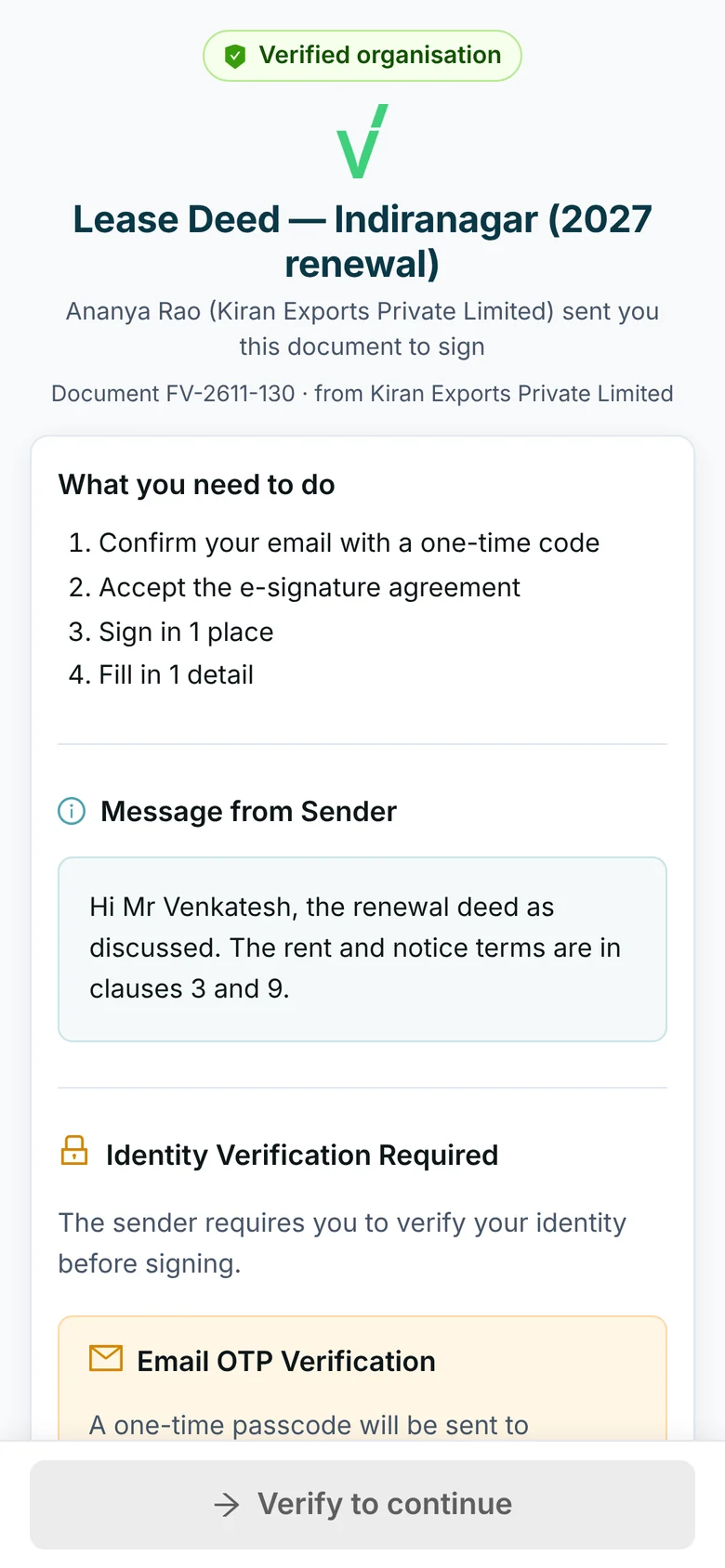
Invite signers one after another, or all together. The next signer is asked only when it is their turn.
Route the document to an approver before any signer is asked.
A signer can hand the document to the right person. The link they held stops working.
Invites, codes and reminders go by email, SMS or WhatsApp, as you set for each recipient.
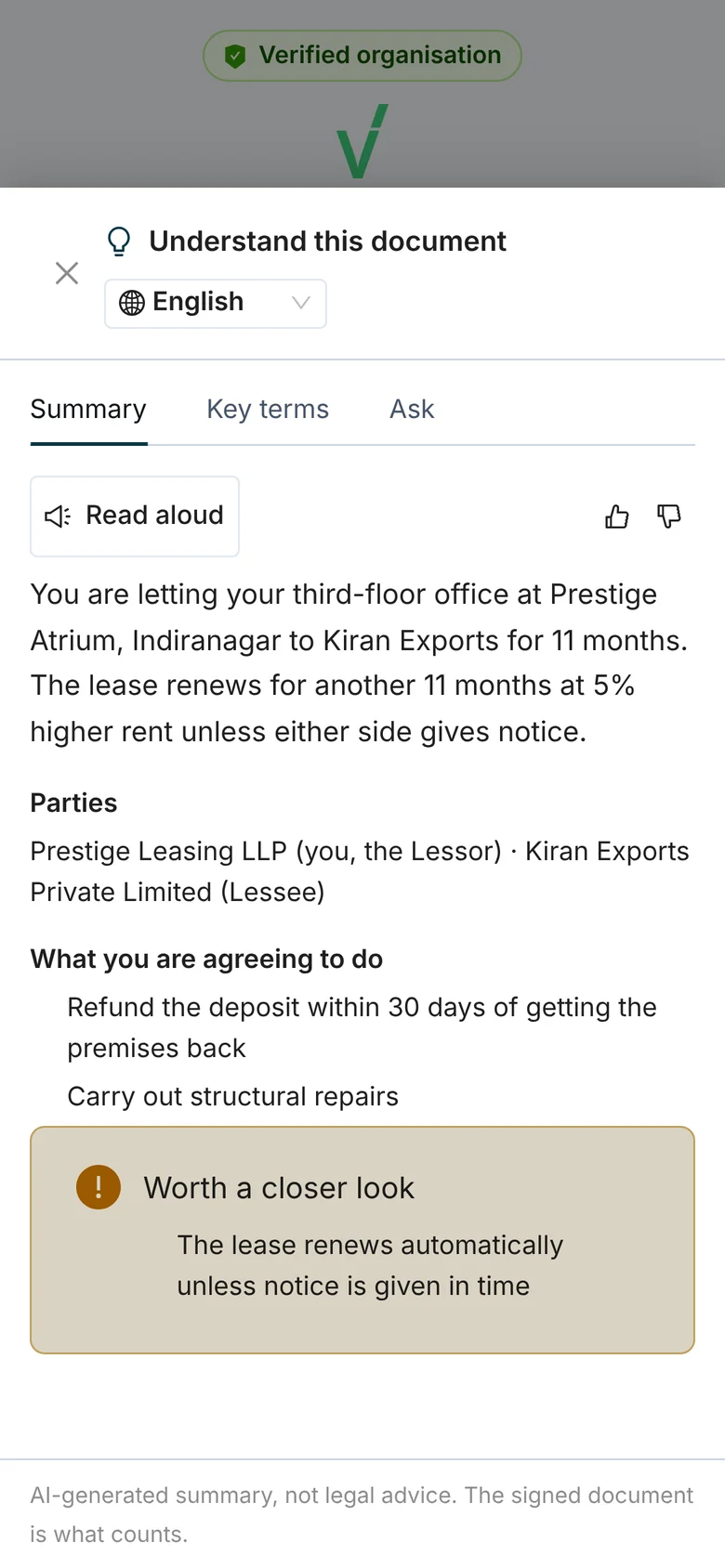
Verified understanding
Turn on the comprehension check and each signer answers three to five questions about the key terms before the signature step. Every question is tied to a page of the document, and you can edit the questions before you send.
The questions are written by AI from the text of the document. The check is in addition to the identity check and the signature, never in place of them.
Comprehension checkQuestion 2 of 4
When does this lease renew?
Tap an answer, or hold to speak it
Passed: 3 of 4 correct
Pass mark 3 · attempt 1 of 3
On the certificate
VERIFIED UNDERSTANDING · Suresh Venkatesh: Passed · 3 of 4 correct (threshold 3) · 4 questions in English · by tap · 1 attempt of 3
06What is kept
An identity check handles sensitive material. FlowVerify keeps what the record needs and removes the rest on a schedule you set.
Certificate of Completion
Document ID: FV-2611-130
Identity verification
Keep ID images for
Set to 0 and they are never stored.
The same masked result is in the evidence pack. A sender can delete the images sooner.
Related
No. A signer opens the link they receive by email, SMS or WhatsApp on any phone or computer, confirms a one-time code and follows the steps you required. Nothing is installed and no account is created.
PAN verification, DigiLocker, or a selfie matched to a photo ID with a liveness check. You set the check on an envelope or on a template, together with the risk score at which signing stops and the number of attempts allowed. Signing is refused until the check passes or you waive it.
Only at the limit you set. Every attempt is scored from 0 to 100 with its reasons. Below your limit the signer continues and you see the reasons on the envelope page and on the certificate. At the limit, signing stops and you are told by notification and email. The score informs the sender; it does not replace the signature, the one-time code or the audit trail.
FlowVerify keeps the last four characters of the ID, the name as verified, the year of birth and a one-way keyed hash of the number, used only to notice the same ID being used by another signer. The full ID number is not kept. ID images are stored encrypted and removed after the retention window your workspace sets; set it to zero and they are never stored. Results print masked on the certificate of completion and are included in the evidence pack.
No. The summary helps a signer read the document, and the screen labels it: AI-generated summary, not legal advice. The signed document is what counts. The summary and the comprehension check run only after a workspace admin has accepted the AI terms and switched the feature on.
No. It adds evidence about who signed. It does not replace the right kind of signature: some documents call for Aadhaar eSign or a digital signature certificate, which are electronic signatures under the Information Technology Act, 2000. The Act does not apply to wills, trusts, most powers of attorney or negotiable instruments other than cheques, which should still be signed on paper.
Book a demo
Tell us who signs your agreements and what you need to know about them. We set the check, send the document to your phone and open the certificate with you.
What you get